Importing data
Importing data from a CSV file into the program.
Updated
Import from a CSV file lets you add data from a file into the program. New records are added and existing ones are updated.
Before importing, the file has to be prepared in the right format. That can be done in one of the following ways:
- “Export” the data
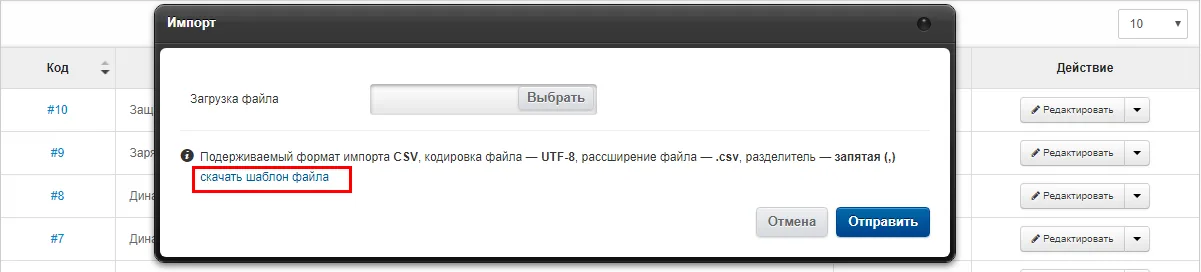
- Choose “download import template” in the import panel
Once the file is ready, it has to be saved in CSV format. It is better to do that in OpenOffice. You can download it from the official site openoffice.org
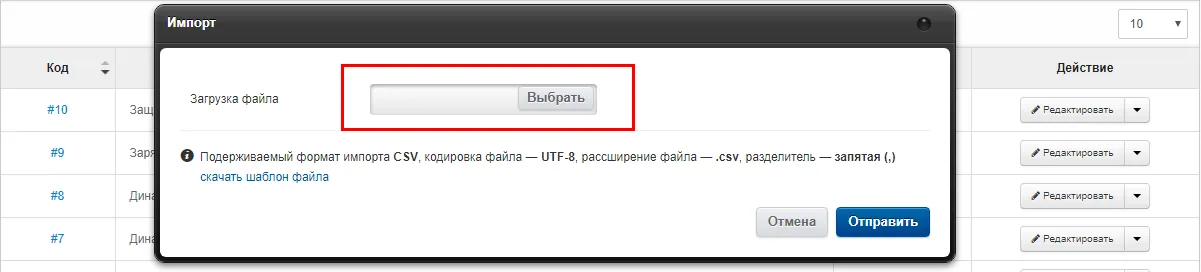
The saved file must have the following format:
- File encoding:
- Unicode UTF-8
- Delimiter:
- Comma “,”
- Text delimiter:
- Double quotes “"”
If you do this in OpenOffice, these are the default values.
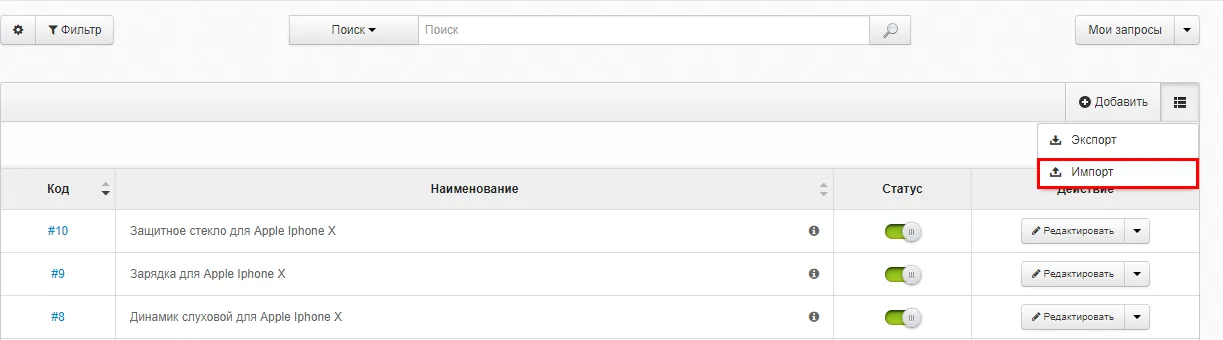
Once the file is prepared in the right format, open the reference book you need. Choose “Import” from the actions menu. In the modal window that appears, upload the file you prepared.