Exporting data
Exporting data from the program into a CSV file.
Updated
To export data, open the reference book you need and choose “Export” in the actions menu. Then download the file offered.
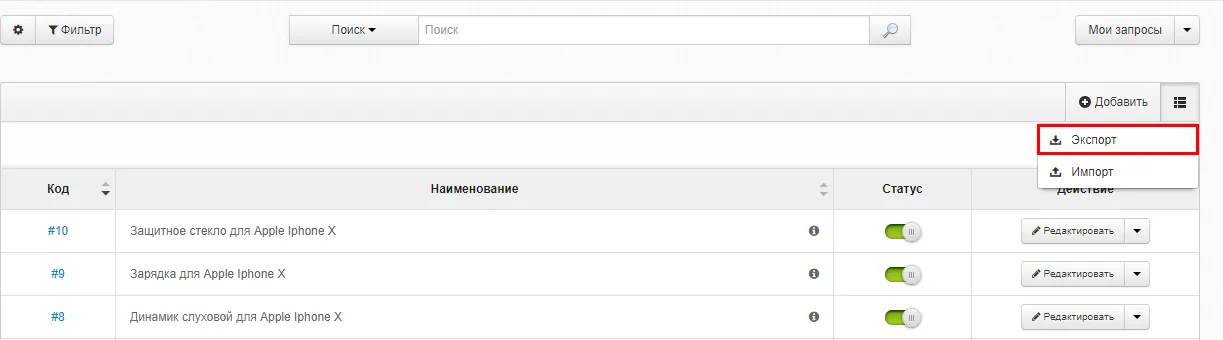
When you export entries, you get a CSV file.
- File encoding:
- Unicode UTF-8
- Delimiter:
- Comma “,”
- Text delimiter:
- Double quotes “"”
The first column is the table header — it must not be deleted. Exported files are best opened in OpenOffice, since that program has all the settings fields required. You can download it from the official site openoffice.org
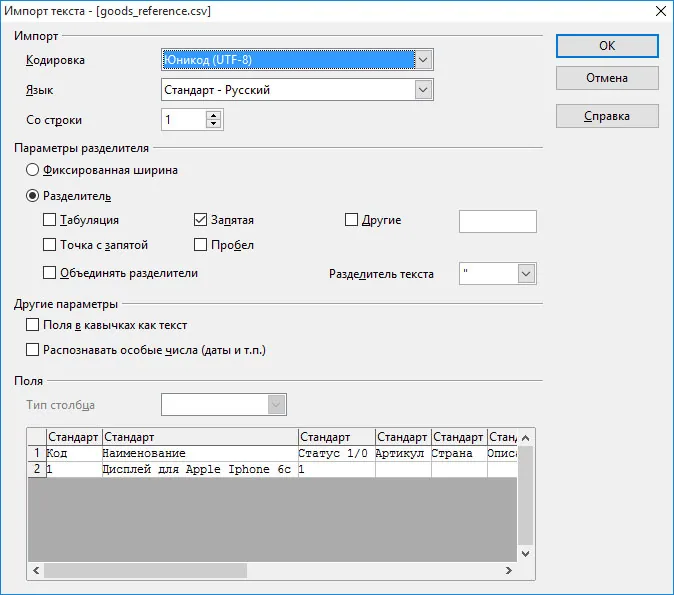
After that you can edit the file and, if needed, load it back into the system, following the instructions on “Import”