Workshop Network: How to Manage Branches in a Single System
Updated
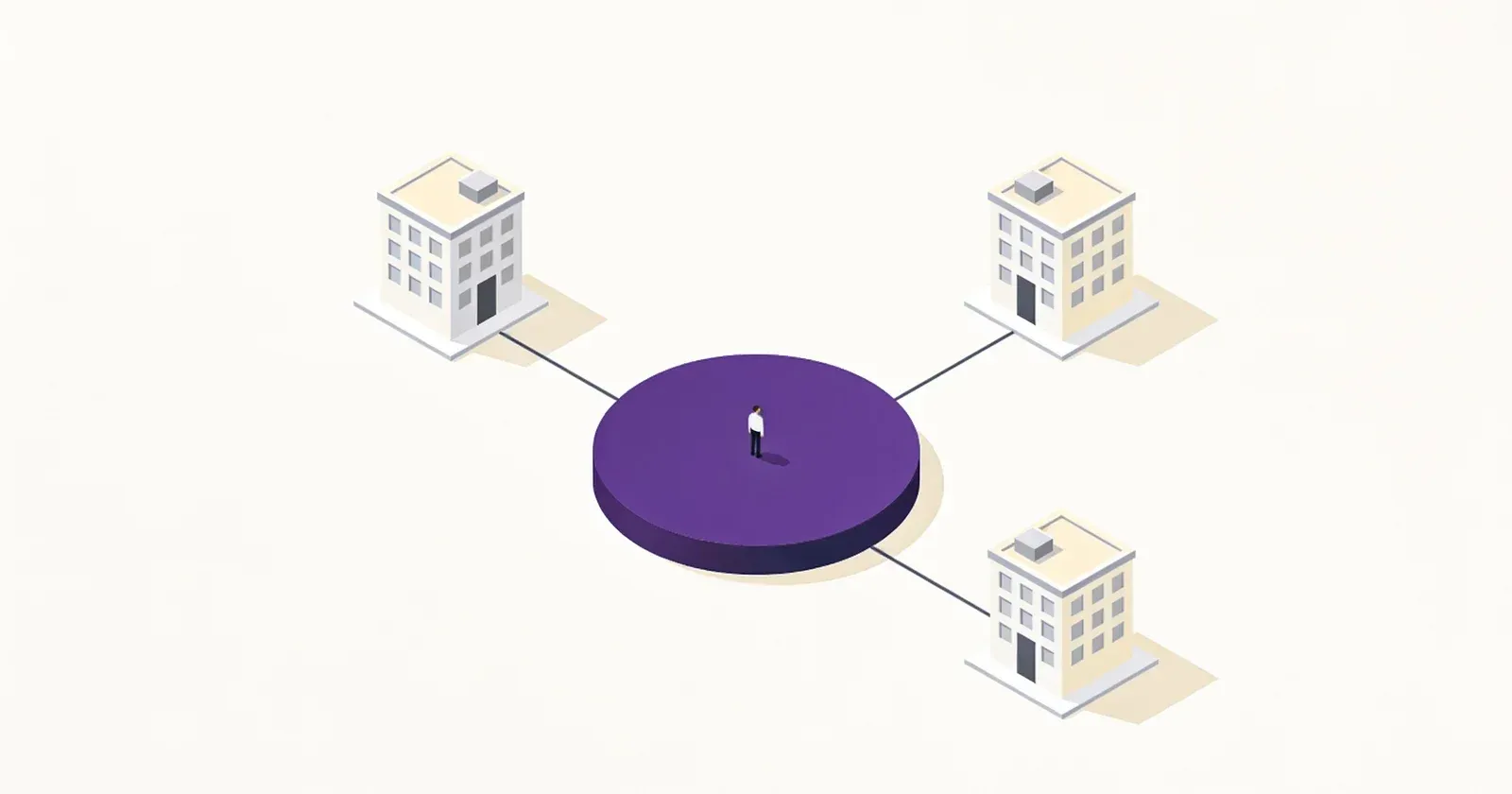
Transitioning from one workshop to a chain is not just about renting a second space. It is a qualitatively new level of management. If in one location you can “keep everything in your head,” then with the appearance of branches, chaos scales along with the business. To maintain control, you need to rebuild your processes around the accounting system.
How Management Changes During Expansion
When you open a second branch, you face three main challenges: where the parts are, whose money it is, and who has access to orders. In WorkPan, this is solved through the separation of rights and directories.
1. Warehouses: Transfers Instead of “Searching”
If in one workshop a technician can just walk up to a shelf, in a network, there is a task: how to transfer a part from one branch to another? In WorkPan, the Warehouse Directory allows you to assign specific warehouses to each branch. You see stock levels across the network, but you know exactly where the item is physically located. Transferring spare parts between warehouses is a controlled operation that eliminates the “it was here, now it’s gone, don’t know where” situation.
2. Finances: Separating Cash Boxes
General network revenue does not mean branches should work with a general cash box. Each branch in the Office Directory is linked to its own financial cash box. This allows you to:
- See which branch is profitable and which is operating at a loss.
- Control the inflow and outflow of money at each specific location.
- Eliminate confusion when money from one branch’s cash box is spent on another’s needs.
3. Visibility: One Database, But Different Rights
A workshop network is a single customer database. If a customer repaired a phone in the city center and came to a suburban branch six months later, their repair history should be visible everywhere.
However, access to orders should be limited:
- An administrator sees the entire network.
- A branch technician sees only their own orders (or orders of their branch).
- A receptionist works only with orders assigned to them.
Tariff Limitations
It is important to understand that as you scale, the system functionality needs also change. WorkPan offers different tariffs (Pricing), which differ in limits on the number of employees and branches:
- Workshop — for starting, a minimal set.
- Service and Chain — for growth, with increased limits on employees and branches.
- Region — for networks of up to 12 branches; if even those limits are not enough, the plan is put together individually.
Regardless of the tariff, the system functionality remains the same. This means that by moving to a more expensive tariff, you do not change the working logic — you simply “remove the ceiling” on the number of orders and people who can process them simultaneously.
Summary
Working in a workshop network is a transition from “repairing devices” to “managing processes.” If you work in a single database, you get rid of:
- Duplicate customers.
- Uncertainty about where spare parts are.
- Reconciliation problems at the end of the day.
A workshop network in one system is a single standard of service. A customer at any point in the network receives equally high-quality service because the rules for technicians and receptionists are built into the system itself, not into verbal agreements.