Update of 07.04.2019
Updated
Hello, dear friends! Today WorkPan gained a new module — “Reporting Period”. It governs financial dates: a financial day, month or year can now be closed.
What does that mean? Once the senior accountant closes a period through this module, no financial changes are possible inside it — the ban covers adding, editing and deleting.
An example: the person responsible for finances audits the service centre’s cash desk. The audit is done, the balance adds up — they close the period (day, month or year), and it can no longer be corrected after the fact.
To use the module you need to
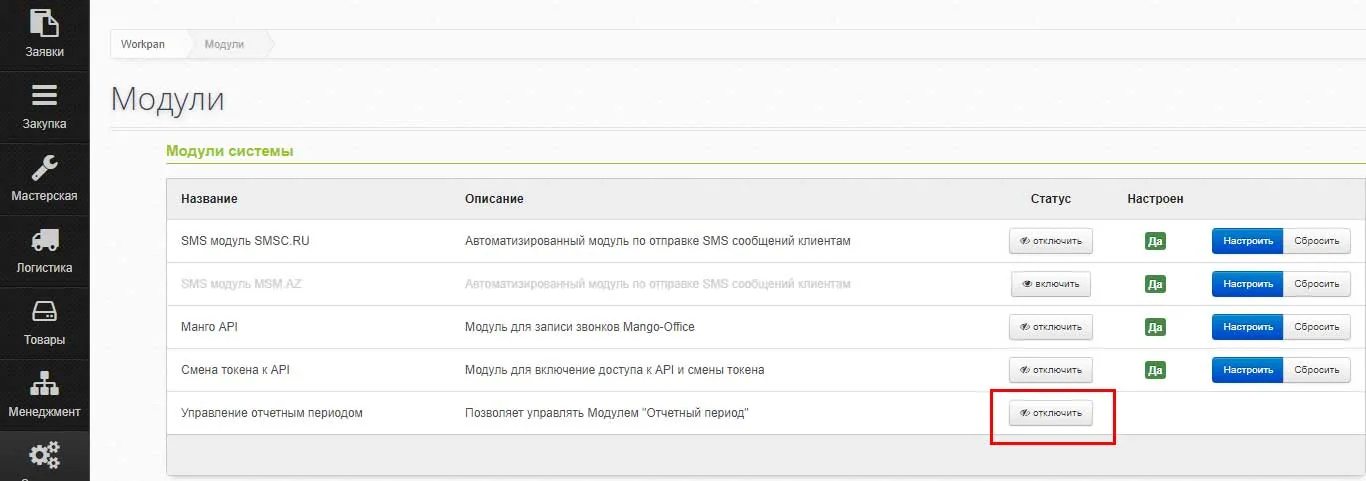
- Enable the module under “Modules”
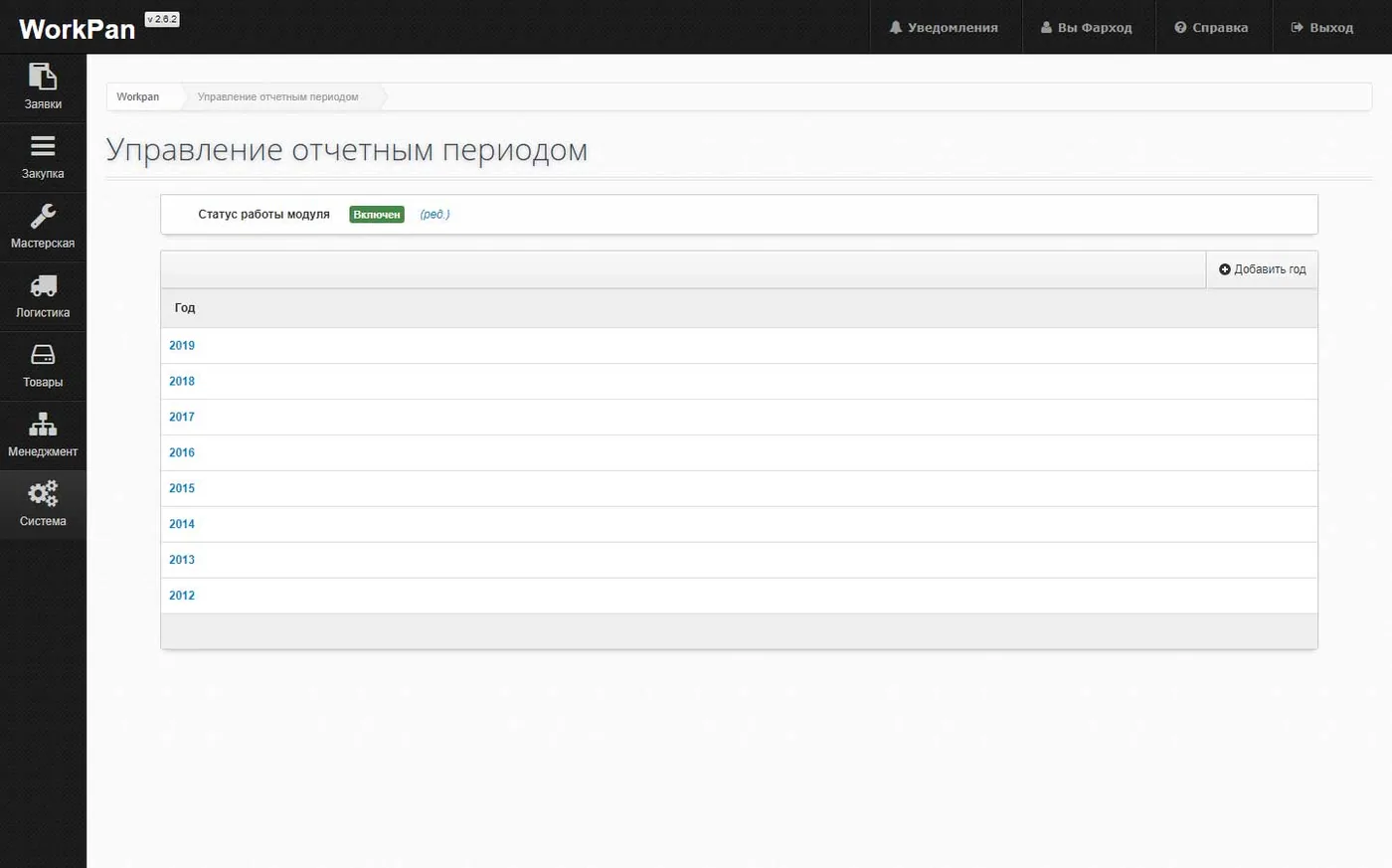
- Add the year you need
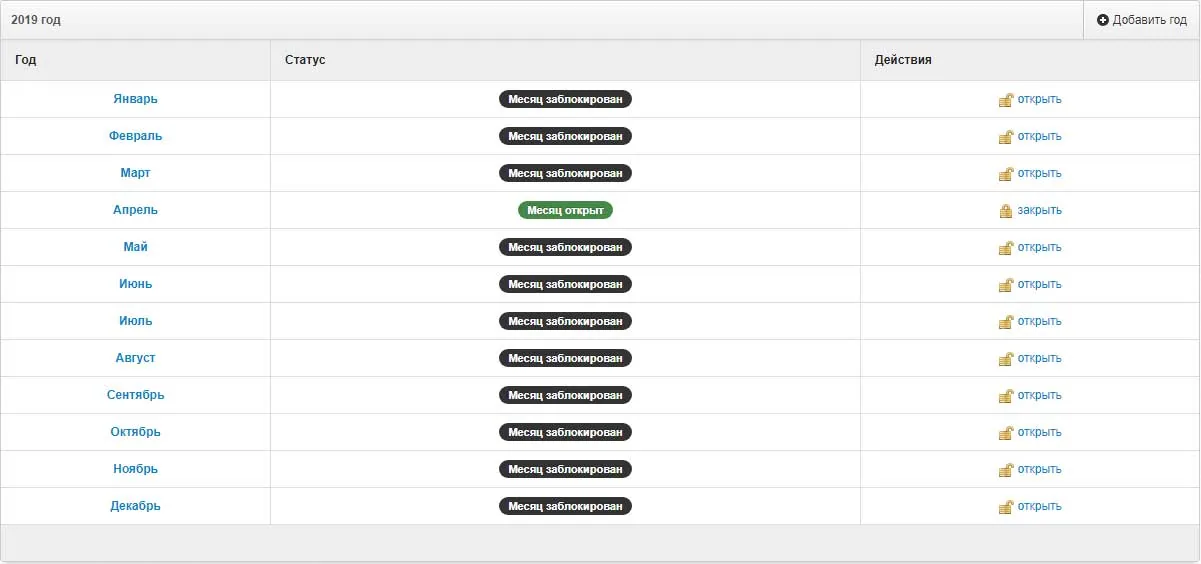
- Open the month you need
- Close months as they end